
IREPS Portal Guide: Login, Registration and Railway Tender Process
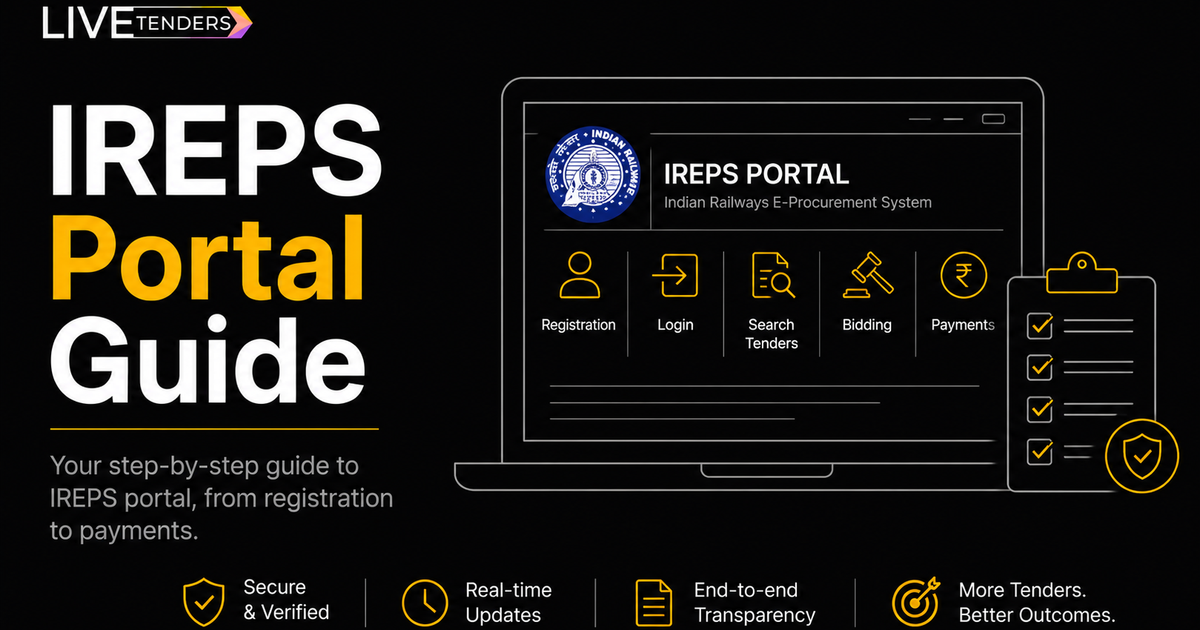
IREPS Portal Guide: Registration, Login, and How to Actually Win Railway Tenders
IREPS, the Indian Railways E-Procurement System, is the official portal for every tender Indian Railways publishes, covering everything from signalling equipment to rolling stock parts to service contracts across all 19 railway zones. If you supply to railways or want to start, this is the one account you actually need.
Here's how to get set up and what trips people up along the way.
Registering as a vendor
Go to ireps.gov.in and look for "New Registration" under the Tenderer section. You'll need:
- Your business registration documents
- GST certificate and PAN
- An authorization letter if someone other than the proprietor is handling the account
Only registered business entities can register, not individuals, so if you're a proprietorship, partnership, or company, make sure your documents reflect that clearly. Approval typically takes 2 to 4 working days once everything is submitted correctly, longer if a document is missing or unclear, since you'll have to wait for the rejection notice before you can fix and resubmit.
Logging in and the DSC requirement people get stuck on
Once approved, log in with your credentials and select "Tenderer Login." Here's the part that catches new vendors off guard: IREPS requires a Class III Digital Signature Certificate on a USB token, not just a password. Without it, you can browse tenders but you can't actually submit a bid.
A few practical notes that'll save you time:
- IREPS dropped support for Internet Explorer in 2024. If the site looks broken or won't load properly, that's almost always the reason, switch to Chrome, Firefox, or Edge.
- If you get a "Failed to open web signer" error, it's usually a Java Runtime issue on your system, not your DSC itself.
- If your USB token isn't detected, check Device Manager on Windows for a driver conflict before assuming the token is faulty.
- Locked out after failed login attempts? Email the IREPS helpdesk with your registered mobile number and firm PAN, unlocking usually takes 1 to 2 working days.
Finding and bidding on a tender
Once you're in, search by category, zone, or department. Every tender listing gives you the NIT, BOQ, technical specifications, and eligibility clauses as downloadable documents, read the eligibility section closely before you commit time to preparing a bid, since railway tenders often have specific RDSO or production unit approval requirements that rule out vendors who don't already hold them.
To submit: fill in your technical and financial offer under the respective tabs, upload the required compliance documents, and sign digitally with your DSC before the deadline. Late submissions aren't accepted, there's no grace window.
Paying EMD and tender fees
Payments go through net banking, cards, or NEFT/RTGS directly on the portal. E-receipts are available for download under the Payments section once a transaction clears, keep these, you'll need them if there's ever a dispute over whether a payment went through.
The actual problem: 19 zones, one portal, way too much to check manually
Railway tenders move fast and come from a lot of different sources at once, IREPS itself plus IRCON, RVNL, RailTel, and individual zonal railways. Checking all of them separately, every day, is how vendors miss tenders they were genuinely eligible for.
This is the specific problem LiveTenders is built around. It brings tenders from IREPS and other rail-sector portals into a single workspace where you can save the ones relevant to you, sort and filter by zone or category, and bring your whole team in to work from the same view instead of everyone checking portals separately.
On top of that, you can set up an AI agent with your own requirements and keywords, and it runs continuously in the background, surfacing matching tenders around the clock so you're not the one manually refreshing IREPS every morning.
Book a demo to see it running against your specific zones and categories.
Frequently Asked Questions
What is the IREPS portal?
IREPS is the official e-procurement system for Indian Railways, used for publishing tenders, vendor registration, and online bidding across all railway zones.
Why do I need a DSC to bid on IREPS?
IREPS requires a Class III Digital Signature Certificate on a USB token to authenticate bid submissions. You can browse tenders without one, but you can't submit a bid.
Why won't the IREPS website load properly?
This is almost always a browser compatibility issue. IREPS no longer supports Internet Explorer, use Chrome, Firefox, or Edge instead.
How long does IREPS vendor approval take?
Usually 2 to 4 working days after submitting a complete application. Missing or unclear documents will delay this further.